The “Insider Threat” You Overlooked: Proper Employee Offboarding
Protect your business from insider threats with a secure employee offboarding process. Learn how to prevent data breaches, revoke access, and close security gaps effectively.

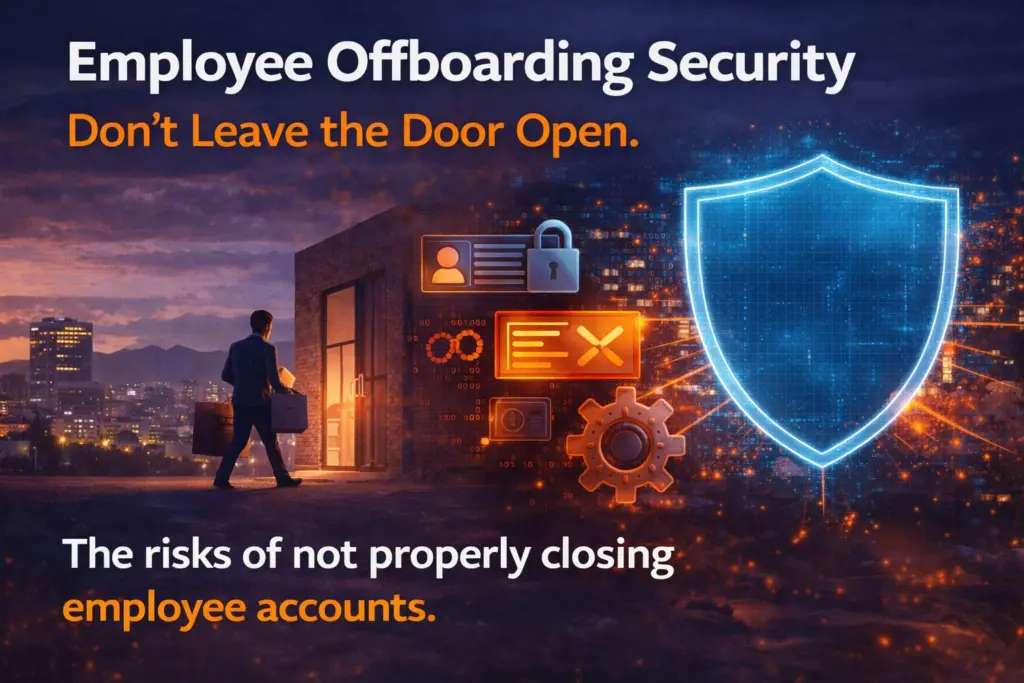
What happens after an employee leaves your business?
If their access still works, your business is at risk.
Many companies focus on hiring and onboarding. However, they overlook what happens when someone exits. That gap creates a serious security issue.
A former employee may still have access to:
• email accounts
• cloud storage
• customer data
• internal tools
• financial systems
This is not rare. It happens every day.
Even worse, these unused accounts often become easy targets for cybercriminals.
That is why secure offboarding is not optional. It is a core part of your cybersecurity strategy.
A returned laptop is not enough.
Today, employees use many systems. Over time, they gain access to more tools and data. Without a clear process, it is easy to miss something.
When access stays active, several risks appear:
• hackers can use old accounts as entry points
• sensitive data may still be accessible
• unused software keeps billing your business
• compliance violations become more likely
In many cases, the risk is not intentional. It is simply a missed step.
However, attackers look for these gaps. Old accounts are one of the easiest ways in.
Inactive accounts are a hidden threat.
If a former employee reused passwords, a breach on another platform could expose your systems. Attackers often test stolen credentials across multiple services.
If the login still works, they are in.
In addition, former employees may still have:
• saved files on personal devices
• access to shared drives
• emails with sensitive information
This creates long-term exposure.
According to industry research, leftover access is one of the most common and overlooked security risks.
Offboarding is not just an HR task. It is a security process.
It must be:
• fast
• consistent
• documented
The goal is simple: remove all access immediately and completely.
Start before the employee leaves. HR and IT should work together to track all systems and accounts.
You cannot protect what you cannot see.
Use a checklist to avoid mistakes. This ensures every step happens every time.
Turn off login credentials right away. This includes:
• network access
• email accounts
• VPN and remote access
Revoke access to all platforms, such as:
• Microsoft 365 / Google Workspace
• Slack or Teams
• CRM systems
• project management tools
If you use single sign-on (SSO), this step becomes much easier.
Change passwords for shared accounts, including:
• social media
• shared inboxes
• internal systems
Recover all company devices:
• laptops
• phones
• tablets
Then wipe them securely before reuse. Use mobile device management (MDM) if available.
Set up email forwarding for a short time (30–90 days). Then archive or delete the account.
You can also add an auto-reply with a new contact.
Make sure important data is not lost.
Transfer ownership of:
• documents
• cloud files
• projects
Check access logs before departure.
Look for:
• large downloads
• unusual activity
• access to sensitive data
This step helps catch issues early.
Poor offboarding can lead to serious damage.
For example:
• a salesperson leaves with your client list
• a developer alters or deletes key systems
• sensitive data leaks from old accounts
There are also legal risks.
If customer data is exposed, your business could face:
• compliance violations (HIPAA, GDPR, etc.)
• fines and penalties
• loss of customer trust
Even small issues add up.
Unused software licenses can continue billing your business for months. This is known as SaaS sprawl, and it wastes money.
Security is not just about systems. It is about process.
Set clear expectations from day one:
Access to systems is temporary and tied to employment.
Train your team. Document every step. Keep records for audits and compliance.
A strong process ensures nothing gets missed—even as your business grows.
Every employee exit is a chance to improve security.
Use it to:
• review access controls
• remove unused accounts
• strengthen your policies
Do not let old accounts stay active.
A simple, repeatable process protects your data, your systems, and your reputation.
Offboarding is one of the most overlooked cybersecurity risks—but also one of the easiest to fix.
With the right process, you can eliminate this threat completely.
At Caldera Cybersecurity, we help businesses:
• build secure offboarding workflows
• automate access removal
• reduce insider risk
• strengthen overall security posture
Don’t leave your doors open after employees leave.
 Contact us today to secure your business with a proven offboarding strategy.
Protect your business from insider threats with a secure employee offboarding process. Learn how to prevent data breaches, revoke access, and close security gaps effectively.

Why “Cloud-Only” Might Be a Mistake Cloud computing promised speed, simplicity, and scalability. For years, the message was simple: “Move everything to the cloud.” Many businesses did exactly that. However,

Cloud waste could be draining your IT budget. Learn how to identify unused cloud resources, implement FinOps strategies, and reduce cloud spending in 2026.

Agentic AI is transforming small businesses in 2026. Learn how autonomous AI agents improve efficiency, increase risk exposure, and what security controls you need before deployment.

Windows Server 2016 reaches end of support in January 2027. Learn the security risks of unsupported systems and how to plan a safe server upgrade or cloud migration.
SMS-based MFA is no longer secure. Learn how SIM swapping, phishing, and interception attacks bypass text codes—and why phishing-resistant MFA, passkeys, and hardware keys are the new standard.