
Technology moves fast. What once felt modern can quickly become outdated.
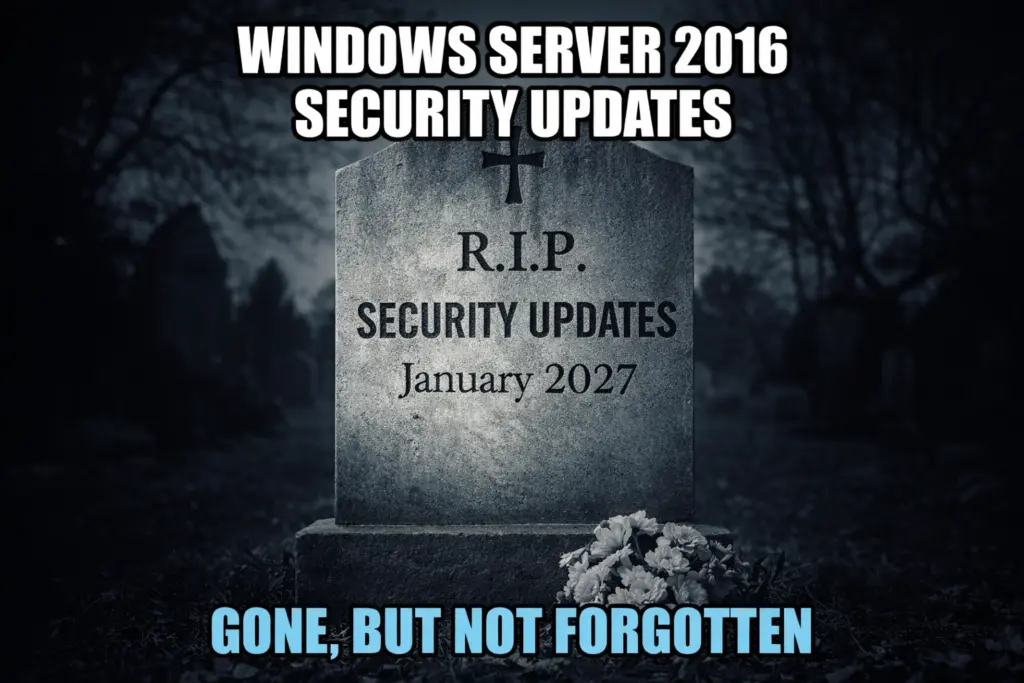
Microsoft has announced that Windows Server 2016 reaches End of Support on January 12, 2027. After that date, Microsoft will stop releasing security updates and patches.
That means no fixes for new vulnerabilities. No protection against emerging threats.
If your business still runs Windows Server 2016, now is the time to plan your upgrade. Waiting until the deadline approaches can lead to rushed decisions, higher costs, and security gaps.
Modern threats require modern infrastructure.
What Happens When Windows Server 2016 Support Ends?
When support ends, security updates stop.
That’s the biggest risk.
Cybercriminals actively scan for unsupported systems. They know new vulnerabilities will not be patched. Once they find an exposed server, they move fast.
Running unsupported software creates serious problems:
-
Increased risk of ransomware
-
Greater exposure to data breaches
-
Compliance failures
-
Failed security audits
-
Loss of cyber insurance eligibility
Unsupported systems are easy targets. The question is not if they will be attacked. The question is when.
If your server stores customer data, financial records, or operational systems, the risk multiplies.
The cost of a breach almost always exceeds the cost of upgrading.
The Hidden Cost of Delaying Your Upgrade
Some businesses delay upgrades because “everything still works.”
However, unsupported systems create hidden risks:
-
Vendors may stop supporting integrations
-
Security tools may not run correctly
-
Regulatory standards may require supported software
-
Extended Security Updates (ESU) become expensive
Microsoft offers Extended Security Updates, but they cost more each year. ESU is a temporary safety net—not a long-term strategy.
Delaying action only increases cost and risk.
Should You Upgrade On-Premise or Move to the Cloud?
When planning your transition, you have two main options:
Option 1: Upgrade On-Premise Servers
You can purchase new hardware and install the latest Windows Server version.
This approach requires:
-
Upfront capital investment
-
Hardware lifecycle management
-
Ongoing maintenance
-
In-house infrastructure oversight
It works for some businesses. However, it locks you into fixed capacity for years.
Option 2: Migrate to the Cloud
Cloud platforms like Microsoft Azure and Amazon Web Services (AWS) offer flexible alternatives.
With cloud migration, you:
-
Pay only for what you use
-
Scale resources up or down
-
Reduce hardware maintenance
-
Improve disaster recovery
-
Shift from capital expense to operating expense
Cloud providers manage the physical infrastructure. Your IT team focuses on strategy and security instead of hardware failures.
For many businesses, cloud migration improves resilience and long-term cost control.
Step 1: Audit Your Current Windows Server Workloads
Before making changes, take inventory.
Identify:
-
All applications running on Windows Server 2016
-
Business-critical systems
-
Legacy software dependencies
-
Storage requirements
-
Backup configurations
Some applications may already be cloud-ready. Others may need updates or replacement.
This is also a good time to retire unused systems. Many organizations discover outdated software they no longer need.
Planning starts with visibility.
Step 2: Create a Phased Migration Plan
Avoid “big bang” migrations.
Moving everything at once increases downtime and risk.
Instead, follow a phased approach:
-
Start with low-risk workloads
-
Test performance and compatibility
-
Move medium-impact systems
-
Migrate mission-critical systems last
Set a timeline that completes well before January 2027. Build in buffer time for testing and troubleshooting.
Clear communication is critical. Inform your staff about maintenance windows and expected changes. Smooth migrations depend on preparation.
Step 3: Test and Validate Everything
Testing is not optional.
After each migration phase, verify:
-
Applications launch correctly
-
Users can access data
-
Permissions function properly
-
Performance meets expectations
-
Backups complete successfully
Run performance benchmarks. Compare new systems against the old environment.
Cloud systems should perform equally or better. If performance lags, adjust resources. Optimization is normal during migration.
Do not consider the project complete until users confirm everything works.
The Security Advantage of Modern Infrastructure
Upgrading your server environment does more than meet compliance requirements.
It strengthens your entire security posture.
Modern systems offer:
-
Improved encryption
-
Enhanced identity management
-
Better monitoring tools
-
Integration with zero-trust architecture
-
Advanced threat detection capabilities
Modern infrastructure reduces your attack surface.
Outdated systems increase it.
Why Acting Early Saves Money
Waiting increases cost.
Last-minute upgrades often lead to:
-
Emergency consulting fees
-
Expedited hardware purchases
-
Limited vendor availability
-
Increased risk exposure
-
Operational downtime
Planning early gives you control. You can evaluate options, budget properly, and migrate without pressure.
Security projects work best when proactive—not reactive.
Modernize Before the Deadline
Windows Server 2016 End of Support is not just an IT milestone. It is a strategic decision point.
You can:
-
Upgrade your on-premise environment
-
Migrate to the cloud
-
Improve resilience
-
Strengthen security
-
Reduce long-term operational risk
The deadline is fixed. Your preparation is not.
Need Help Planning Your Upgrade?
At Caldera Cybersecurity, we help businesses modernize safely and efficiently.
We design secure migration strategies that protect your data, maintain uptime, and position your infrastructure for long-term success.
Whether you choose cloud migration or on-premise upgrades, we handle the technical heavy lifting.
Don’t wait until support ends.
Contact Caldera Cybersecurity today and start building your upgrade roadmap.